
What are apps?
Apps let you extend Clara with custom objects, fields, logic functions, front components, AI skills, and more — all managed as code. Instead of configuring everything through the UI, you define your data model and logic in TypeScript and deploy it to one or more workspaces.Prerequisites
Before you begin, make sure the following is installed on your machine:- Node.js 24+ — Download here
- Yarn 4 — Comes with Node.js via Corepack. Enable it by running
corepack enable - Docker — Download here. Required to run a local Clara instance. Not needed if you already have a Clara server running.
Create your first app
Scaffold your app
Open a terminal and run:my-twenty-app with everything you need.
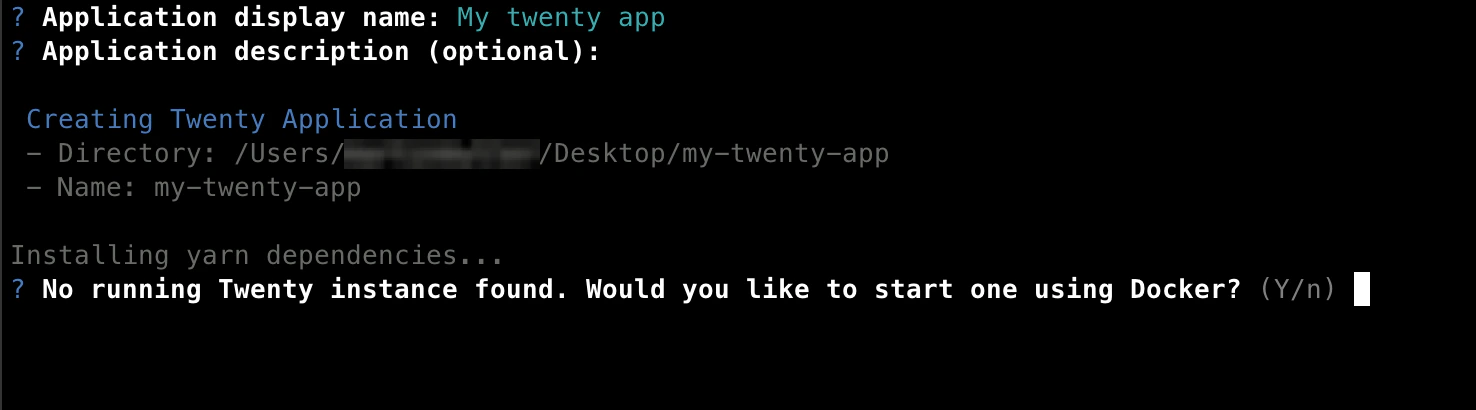
Set up a local Clara instance
The scaffolder will ask:Would you like to set up a local Clara instance?
- Type
yes(recommended) — This pulls thetwenty-app-devDocker image and starts a local Clara server on port2020. Make sure Docker is running before you continue. - Type
no— Choose this if you already have a Clara server running locally.
Sign in to your workspace
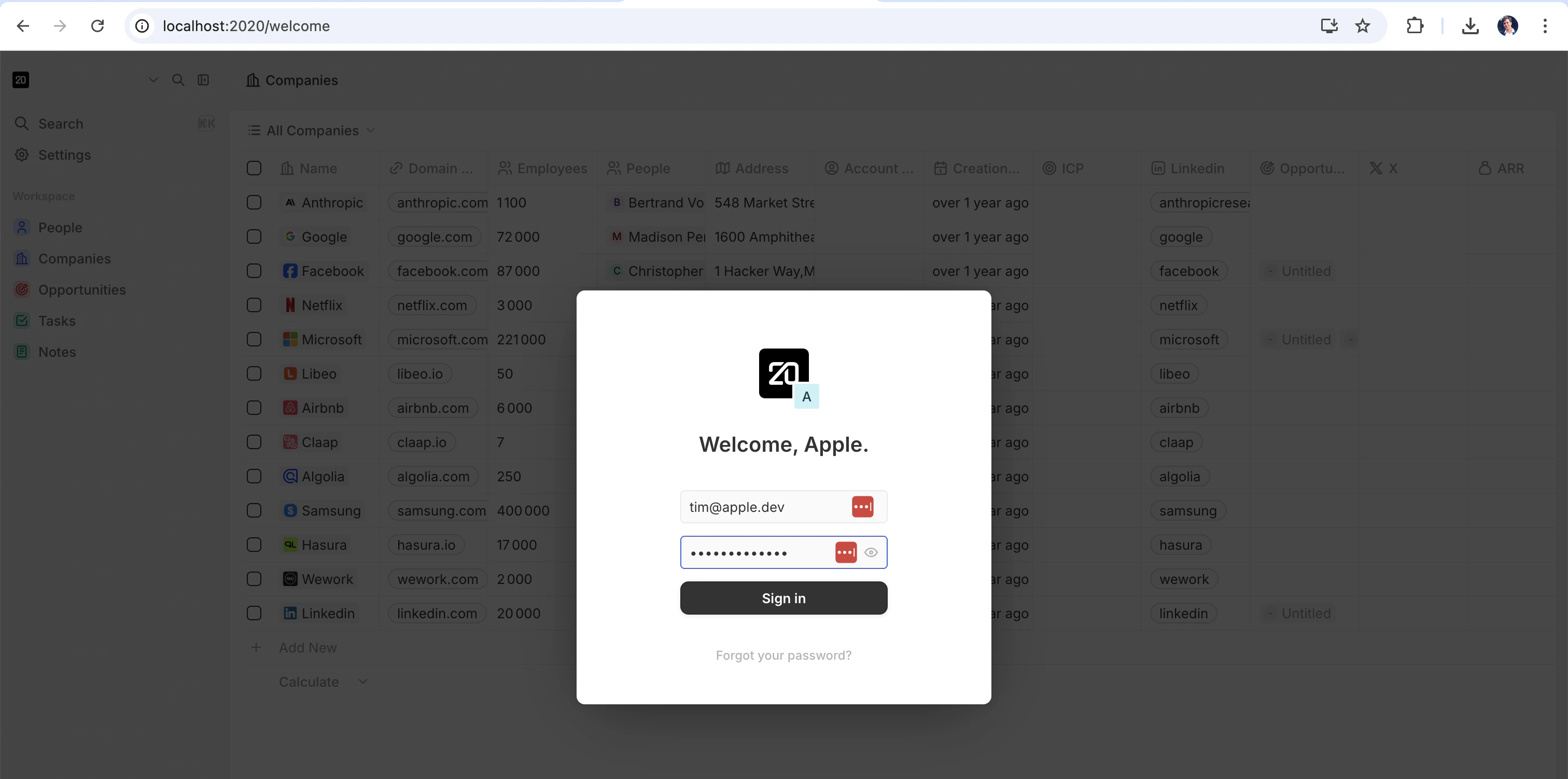
Next, a browser window will open with the Clara login page. Sign in with the pre-seeded demo account:- Email:
tim@apple.dev - Password:
tim@apple.dev
Authorize the app
After you sign in, you will see an authorization screen. This lets your app interact with your workspace. Click Authorize to continue.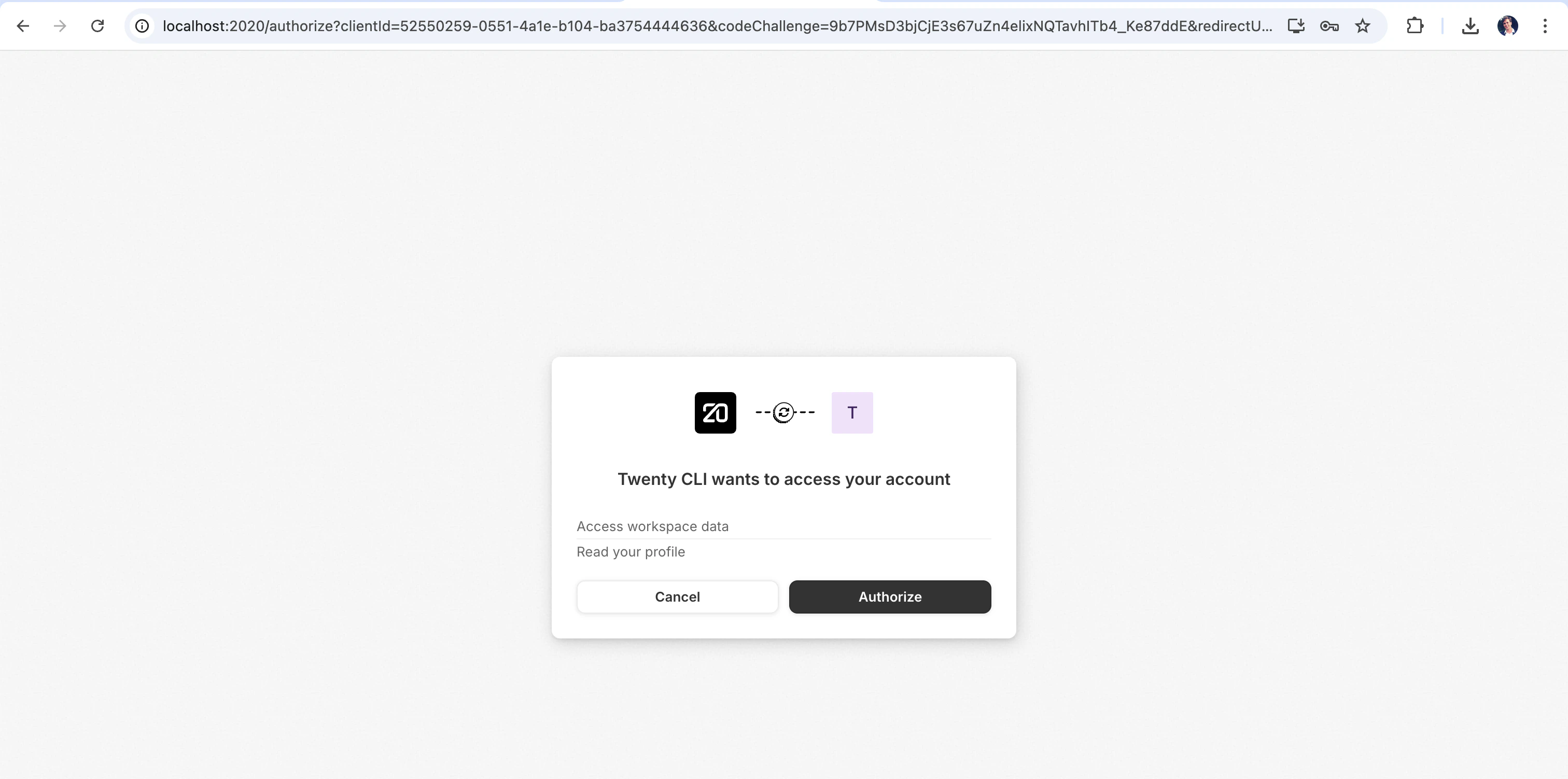
Start developing
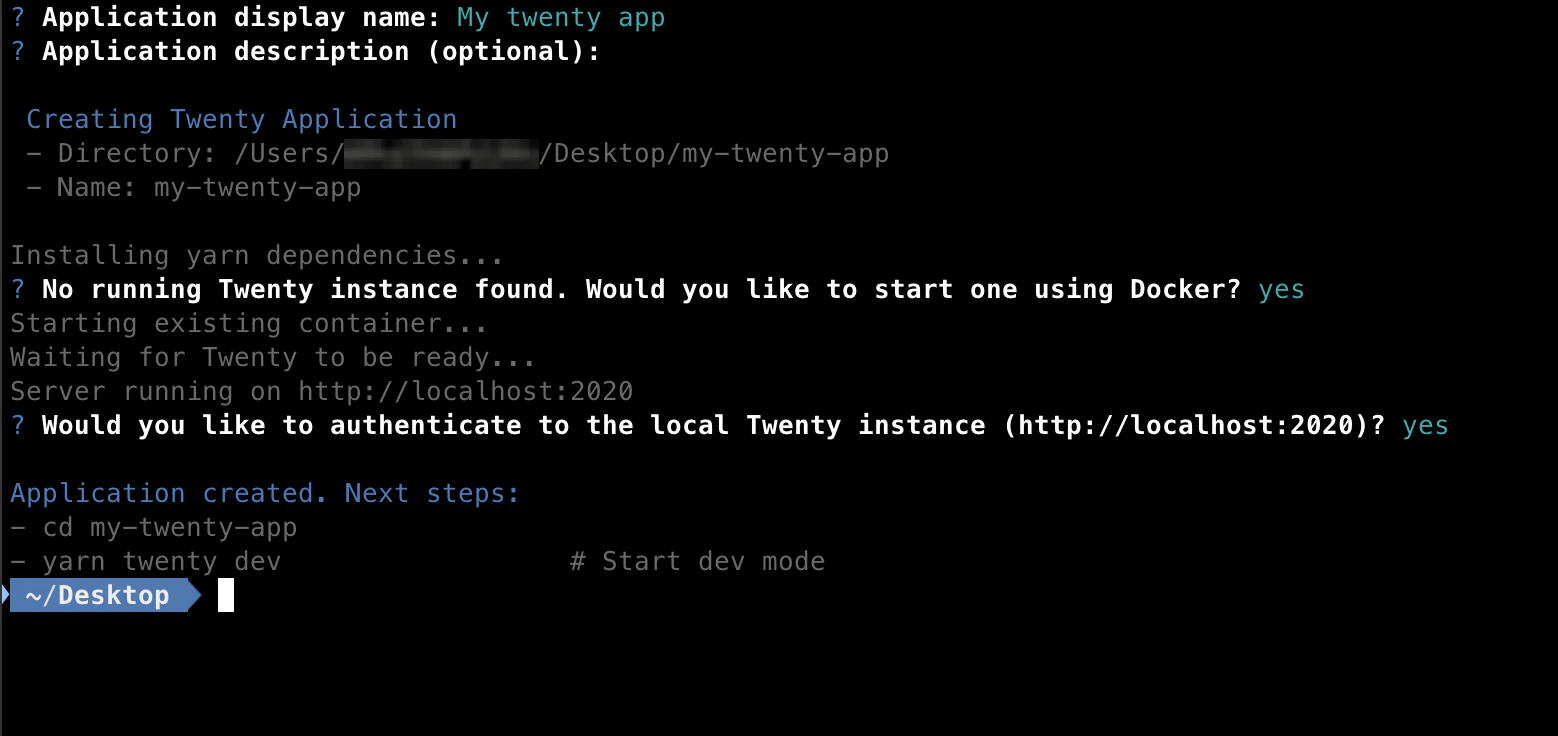
Go into your new app folder and start the development server:--verbose flag:
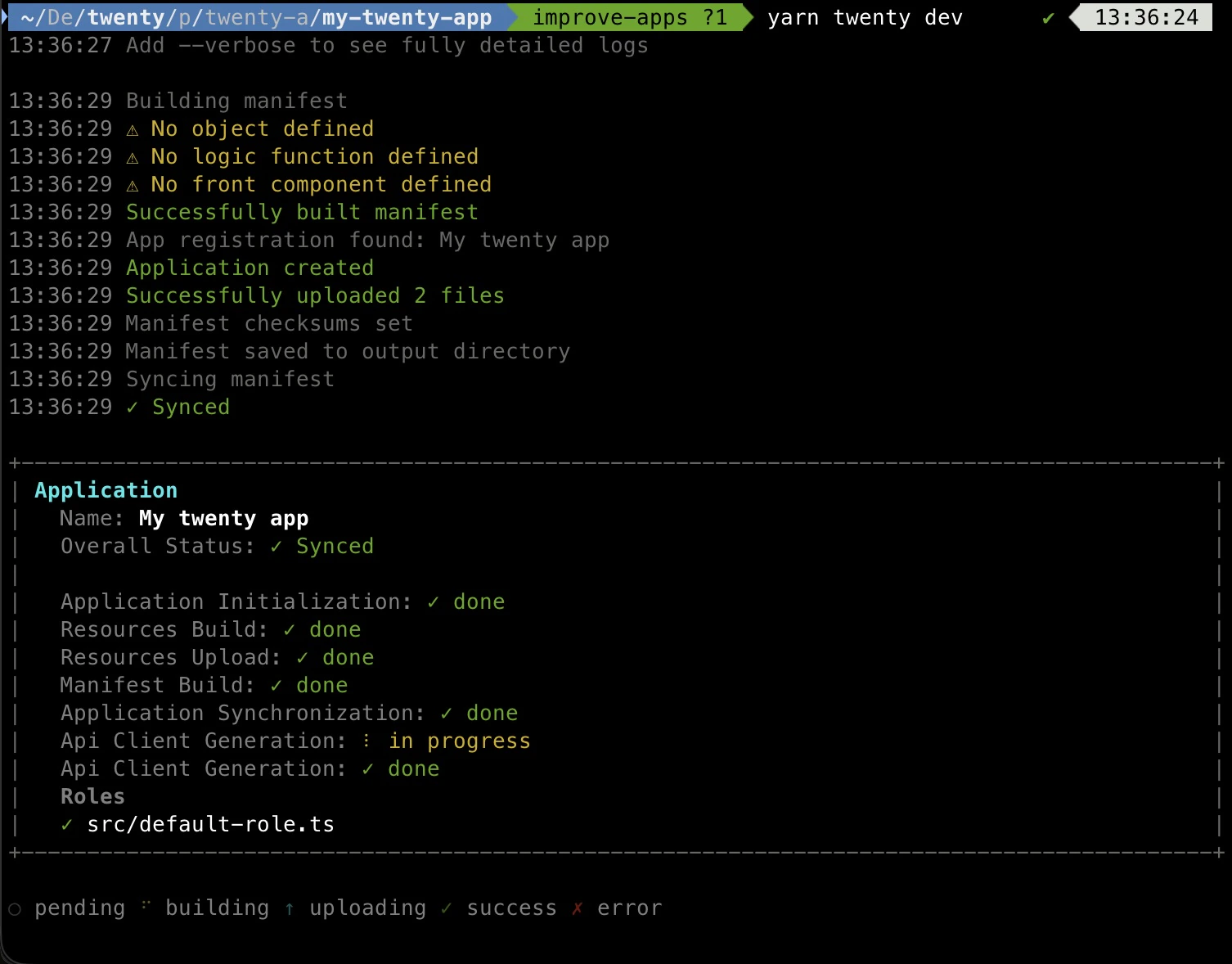
One-shot sync with yarn twenty dev --once
If you do not want a watcher running in the background (for example in a CI pipeline, a git hook, or a scripted workflow), pass the --once flag. It runs the same pipeline as yarn twenty dev — build manifest, bundle files, upload, sync, regenerate the typed API client — but exits as soon as the sync completes:
Both modes require a Clara server running in development mode and an authenticated remote — the same prerequisites apply.
See your app in Clara
Open http://localhost:2020/settings/applications#developer in your browser. Navigate to Settings > Apps and select the Developer tab. You should see your app listed under Your Apps: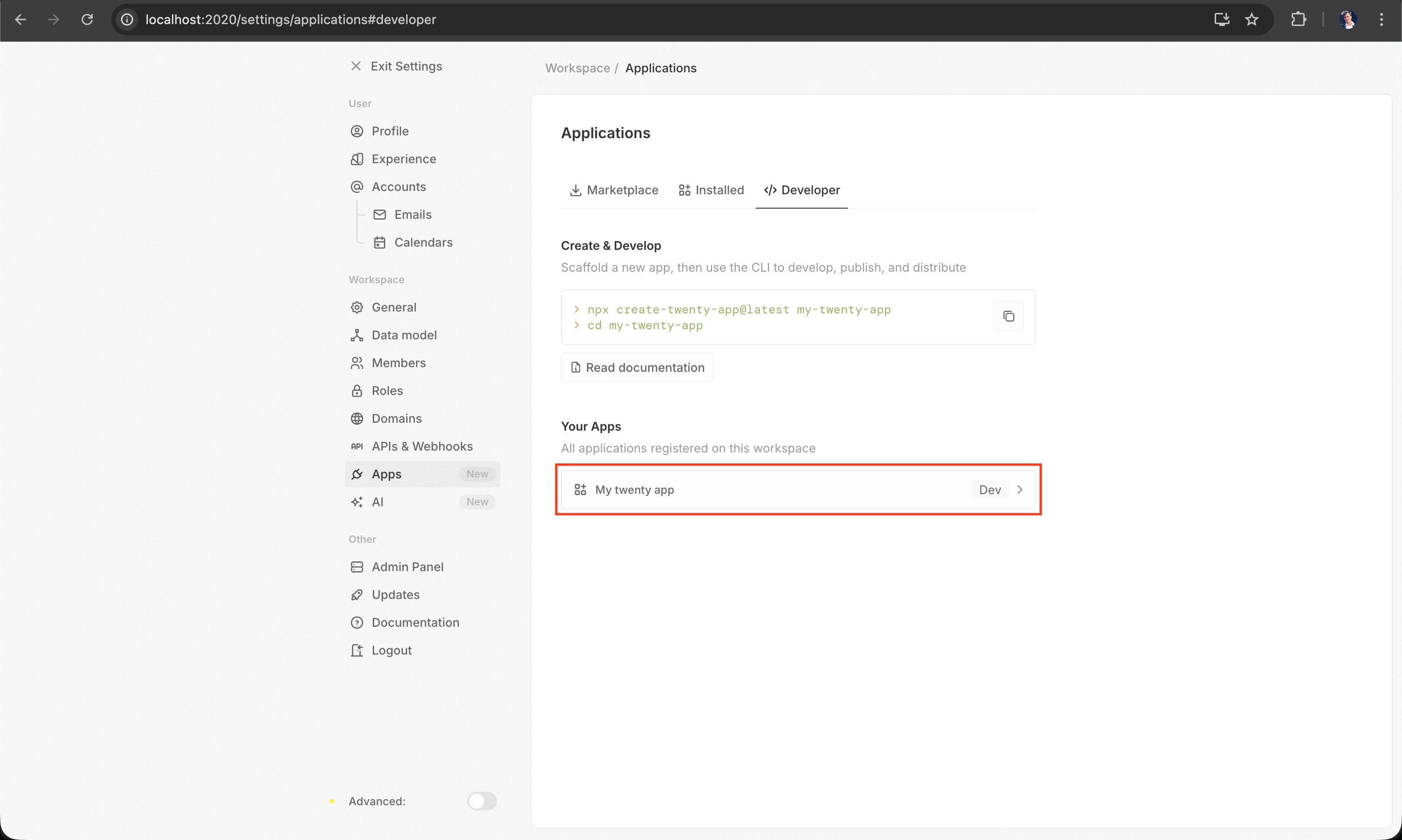
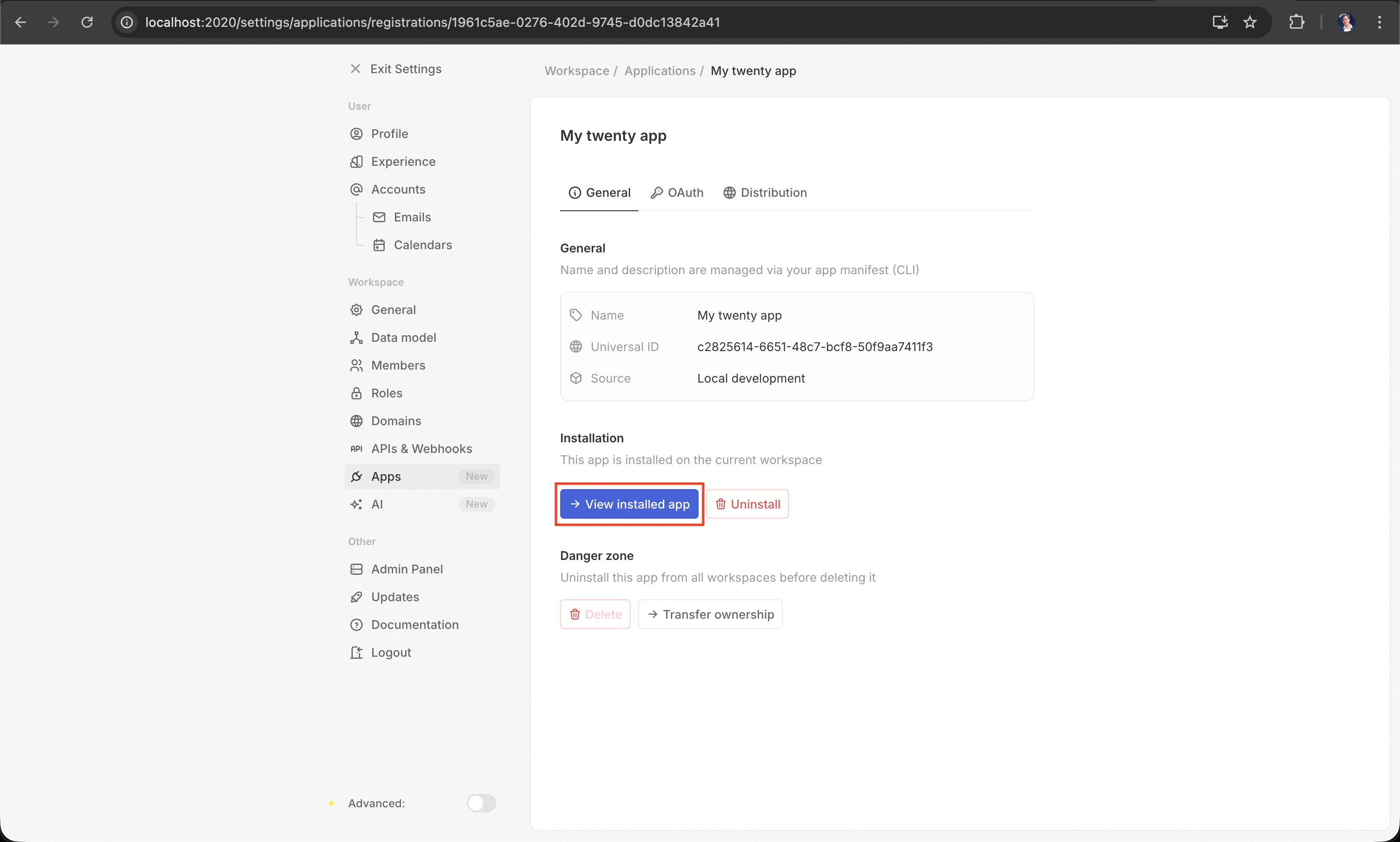
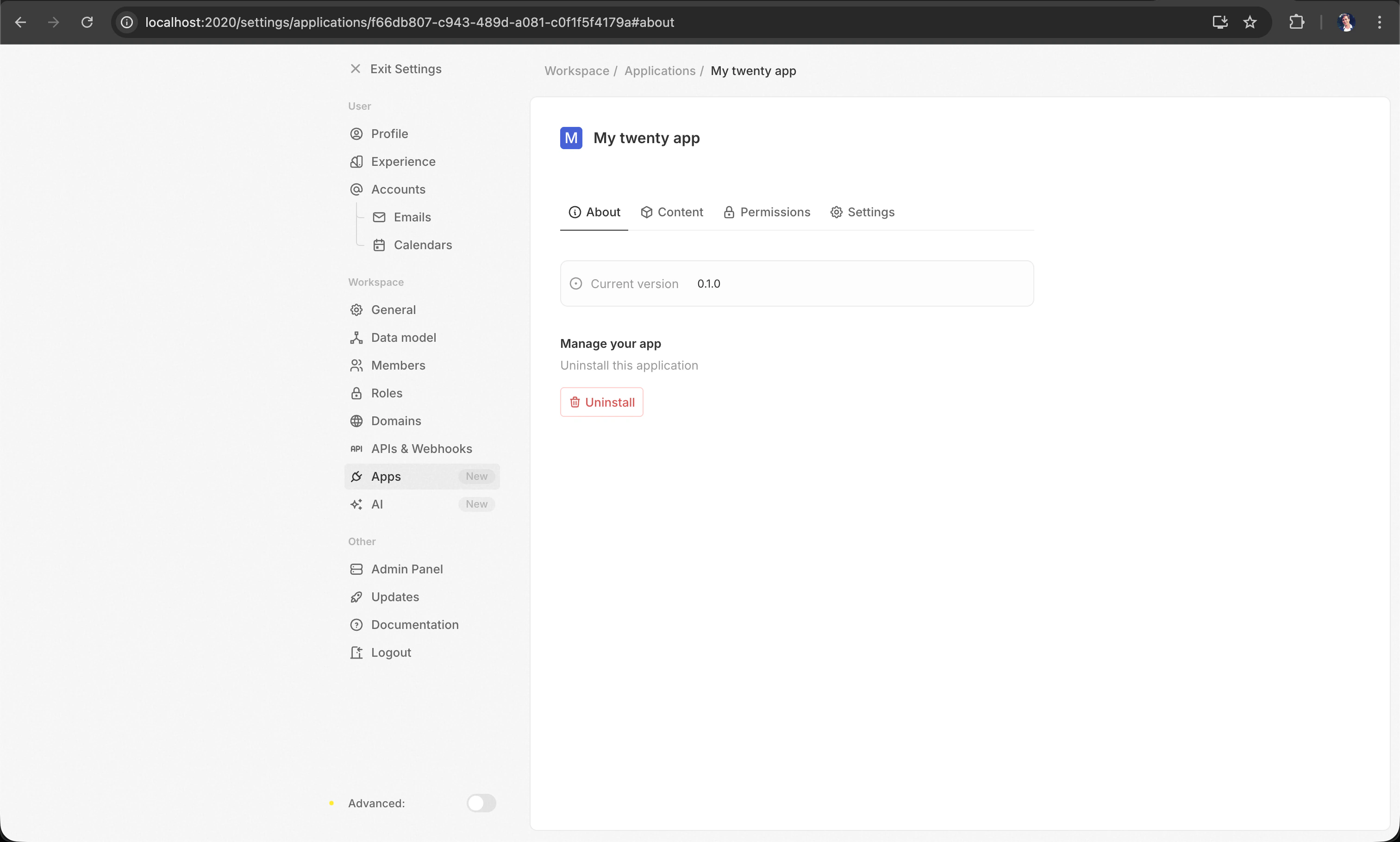
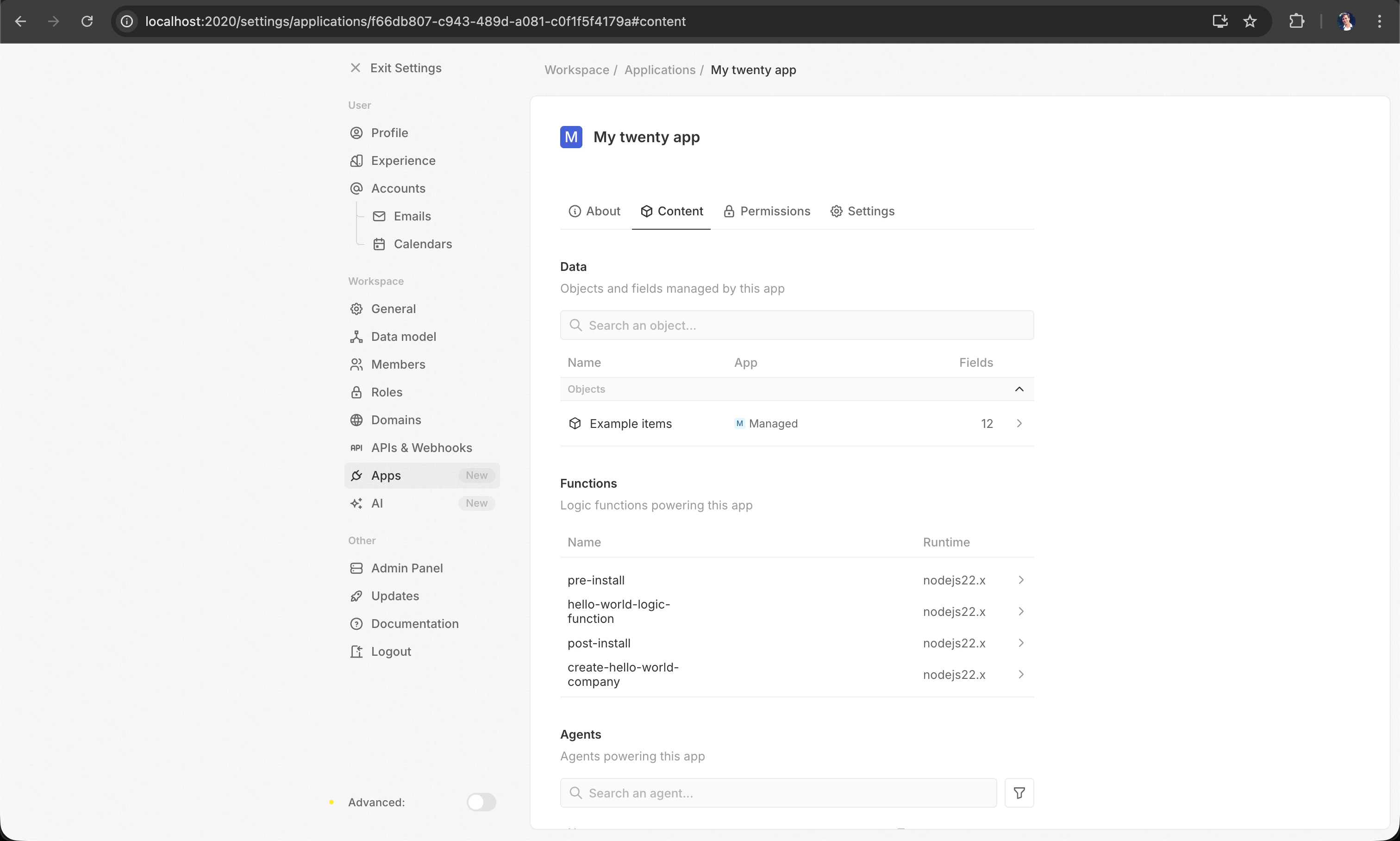
src/ and the changes will be picked up automatically.
What you can build
Apps are composed of entities — each defined as a TypeScript file with a singleexport default:
Head over to Building Apps for a detailed guide on each entity type.
Project structure
The scaffolder generates the following file structure:Starting from an example
To start from a more complete example with custom objects, fields, logic functions, front components, and more, use the--example flag:
yarn twenty add (see Building Apps).
Key files
Local development server
The scaffolder already started a local Clara server for you. To manage it later, useyarn twenty server:
Data is persisted across restarts in two Docker volumes (
twenty-app-dev-data for PostgreSQL, twenty-app-dev-storage for files). Use reset to wipe everything and start fresh.
Running a test instance
Pass--test to any server command to manage a second, fully isolated instance — useful for running integration tests or experimenting without touching your main dev data.
The test instance runs in its own Docker container (
twenty-app-dev-test) with dedicated volumes (twenty-app-dev-test-data, twenty-app-dev-test-storage) and config, so it can run in parallel with your main instance without conflicts. Combine --test with --port to override the default 2021.
The server requires Docker to be running. If you see a “Docker not running” error, make sure Docker Desktop (or the Docker daemon) is started.
Manual setup (without the scaffolder)
If you prefer to set things up yourself instead of usingcreate-twenty-app, you can do it in two steps.
1. Add twenty-sdk and twenty-client-sdk as dependencies:
twenty script to your package.json:
yarn twenty dev, yarn twenty help, and all other commands.
Do not install
twenty-sdk globally. Always use it as a local project dependency so that each project can pin its own version.Troubleshooting
If you run into issues:- Make sure Docker is running before starting the scaffolder with a local instance.
- Make sure you are using Node.js 24+ (
node -vto check). - Make sure Corepack is enabled (
corepack enable) so Yarn 4 is available. - Try deleting
node_modulesand runningyarn installagain if dependencies seem broken.